Customize your crosshair for any game. Pixel-perfect accuracy, instant hotkey controls, and pro player presets built-in.
Try it! Pick a color:
Powerful features designed for competitive gaming
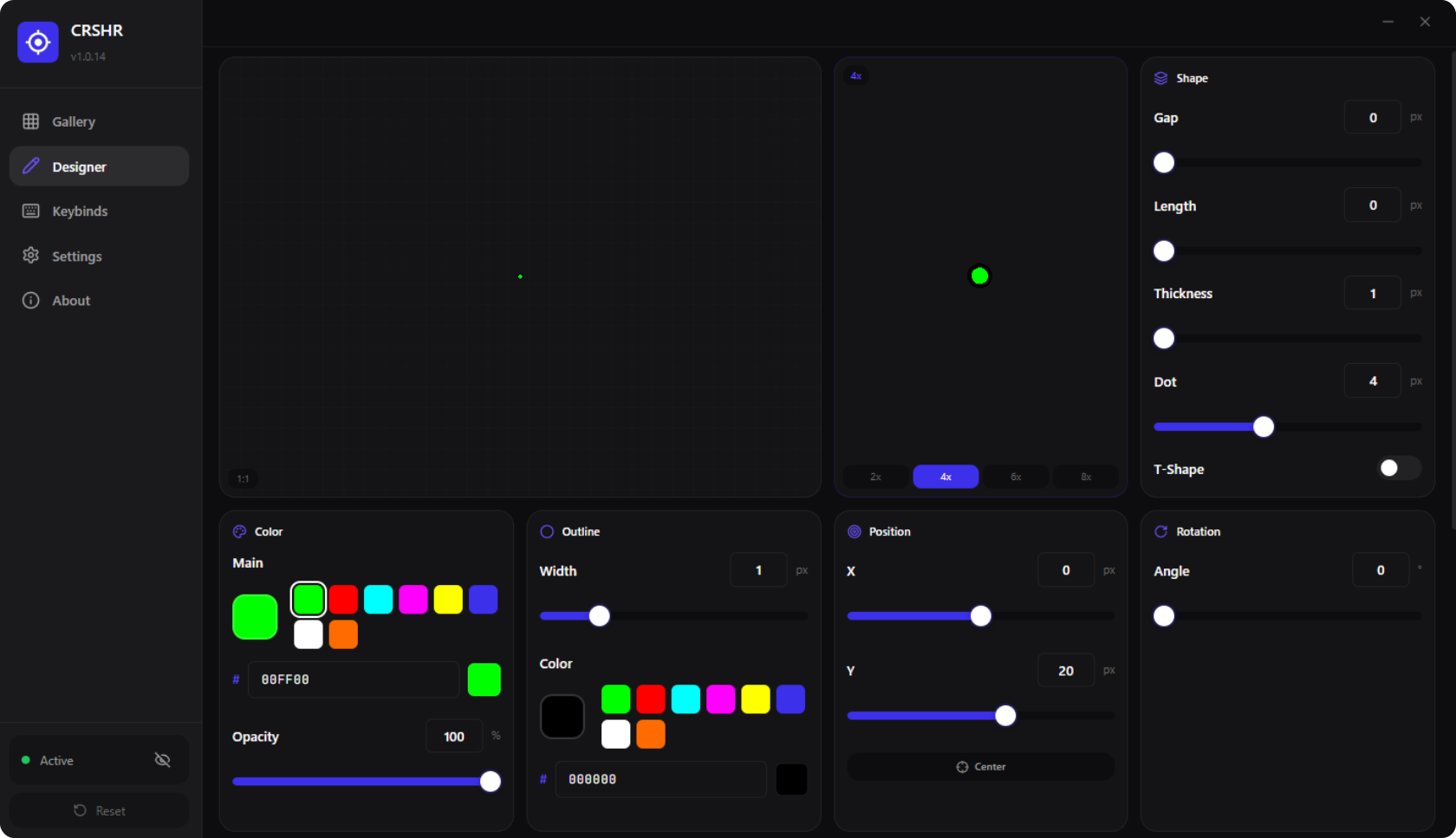
Customize every pixel - gap, length, thickness, dot size, and rotation with precision controls.
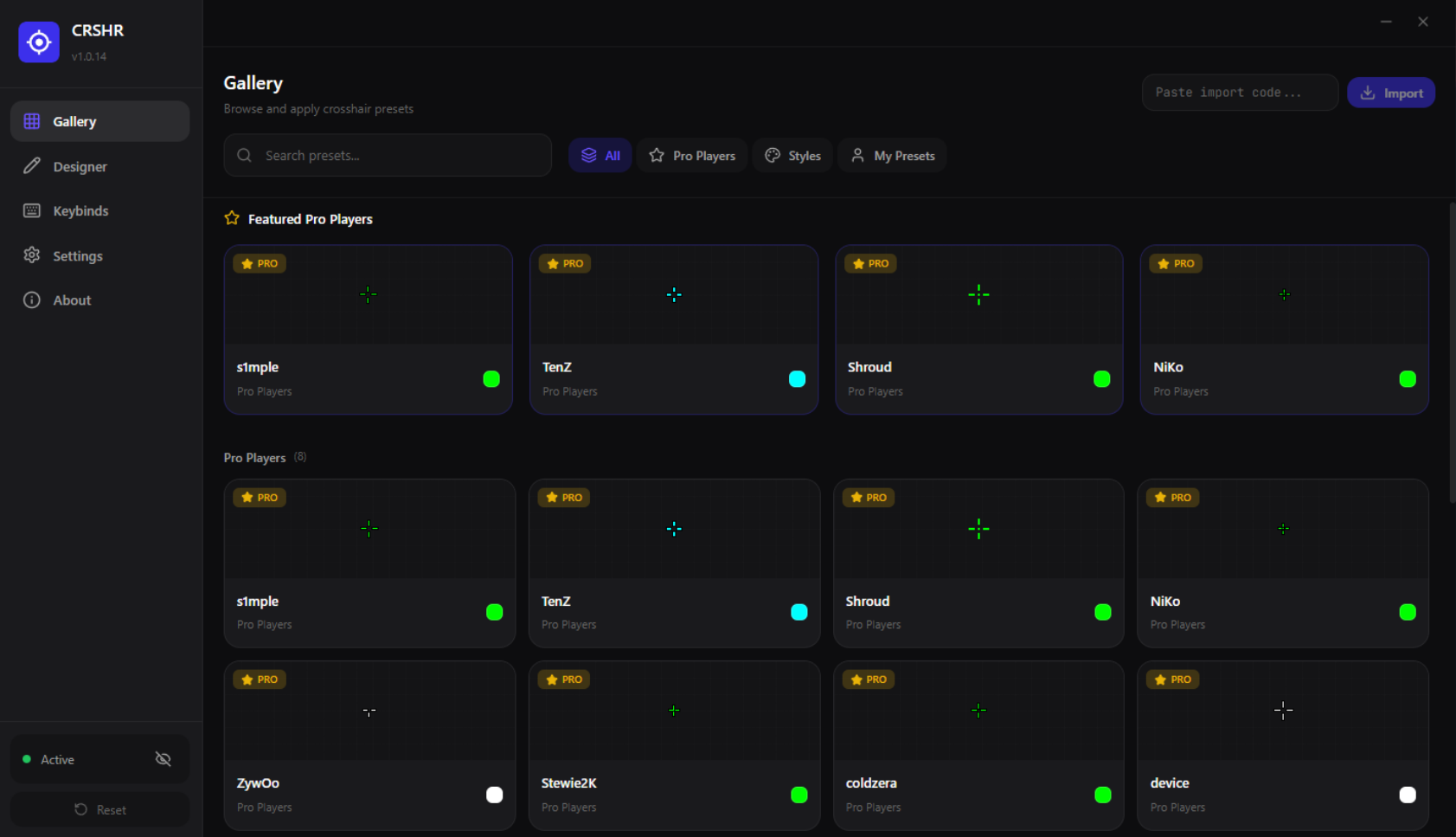
Load crosshairs from pro players like TenZ, s1mple, Shroud, and more with one click.
Toggle visibility, change colors, cycle presets, and nudge position - all with customizable hotkeys.
Tunnel vision overlay that activates with a hotkey for focused aiming when scoped in.
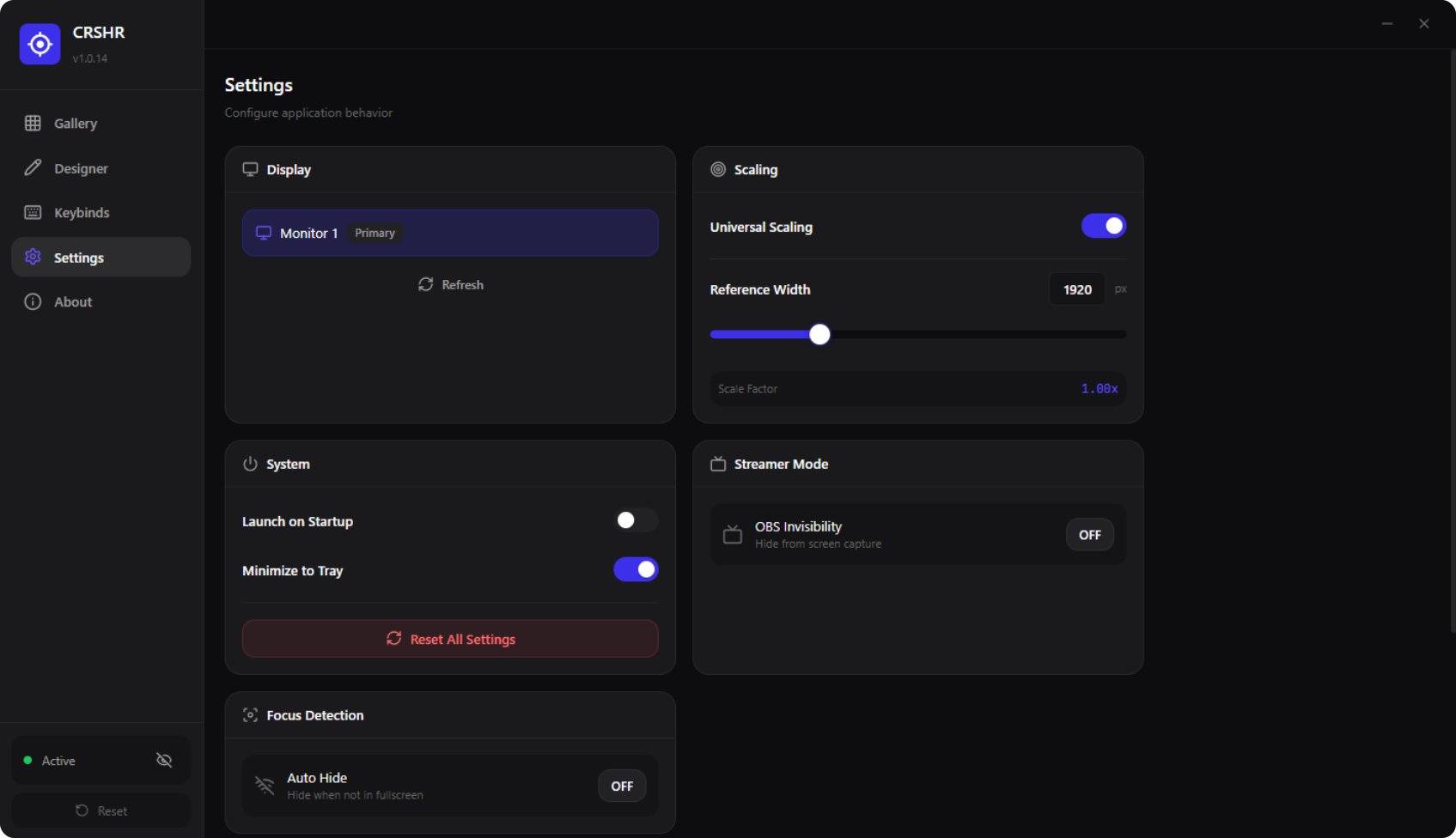
Choose which monitor displays your crosshair. Perfect for multi-display gaming setups.
Auto-switch crosshairs when launching different games. Set it once, forget it forever.
Designed for simplicity and power
Drag the slider to compare with and without CRSHR
Watch how easy it is to customize your perfect crosshair
Video Demo Coming Soon
Add your YouTube video ID to embedCRSHR works as an overlay on top of any game or application
+ Any other game that runs in windowed or borderless mode
Get started in 3 simple steps
Download the installer from GitHub releases. Run the setup and follow the installation wizard. CRSHR will be ready in seconds.
Open CRSHR and go to the Designer tab. Adjust gap, length, thickness, color, and more. Or pick a preset from the Gallery.
Launch your game in Borderless or Windowed mode. Your crosshair will appear on screen. Use hotkeys to toggle visibility.
CRSHR is lightweight and runs on most systems
See how we compare to alternatives
| Feature | CRSHR | Crosshair X | Other |
|---|---|---|---|
| Price | Free Forever | $3.99 | Free |
| Pro Player Presets | 50+ | Limited | ✗ |
| Custom Hotkeys | ✓ | ✓ | ✗ |
| Sniper Mode | ✓ | ✗ | ✗ |
| Custom Image Import | ✓ | ✓ | ✓ |
| Multi-Monitor | ✓ | ✓ | ✗ |
| Game Profiles | ✓ | ✗ | ✗ |
| Auto-Updates | ✓ | ✓ | ✗ |
Latest updates and improvements
Common issues and solutions
Solution: Make sure your game is running in Borderless Windowed or Windowed mode. Exclusive Fullscreen blocks overlays.
Solution: Some games block global hotkeys. Try running CRSHR as Administrator, or use different key combinations.
Solution: Make sure you have Windows 10/11 64-bit. Try reinstalling the app or check if antivirus is blocking it.
Solution: Go to Settings → select your gaming monitor from the dropdown list.
Still having issues? Report a bug on GitHub
Got questions? We've got answers
Yes! CRSHR is 100% free and open source. No subscriptions, no premium features locked behind a paywall. Everything is free forever.
CRSHR works as a transparent overlay and doesn't interact with game files or memory. It's similar to having a sticker on your monitor. However, always check your game's Terms of Service - some competitive games may have rules about third-party overlays.
No. CRSHR uses minimal system resources and runs as a lightweight overlay. You won't notice any FPS drops or input lag.
CRSHR works best with games in Windowed or Borderless Windowed mode. Exclusive fullscreen may not show the overlay. Most modern games default to borderless anyway.
Yes! You can import any PNG image as a custom crosshair. CRSHR supports transparent backgrounds and lets you resize your custom crosshair as needed.
Currently, CRSHR is only available for Windows 10/11. Mac and Linux versions may come in the future if there's enough demand.
Download CRSHR for free and start customizing your crosshair today.